












Contact us
Perkūnkiemio st. 6 – 1
LT-12130 Vilnius,
Lithuania

Have any questions? We'd love to hear from you.
Never lose track of your fleet and make real-time decisions efficiently.

Make the most of quality devices installed.
Enjoy a bunch of useful features to enhance your fleet performance.
Never miss vehicle maintenance activities and ensure the good health of your fleet.

Get notified of dangerous and important events in your fleet, such as overspeeding.
Tailor reports to your business requirements and enjoy complete visibility of your fleet.
Save time by viewing all relevant information at a glance.
Keep track of your fleet and make real-time decisions efficiently.
A solution provides real-time vehicle location, status, accurate address, coordinates, street view, and traffic information. Collect and analyze your fleet‘s historical data, and create detailed reports for trips and vehicle activity. Choose from up to 90 parameters, including speed, fuel level, temperature, etc., and easily share your transport details with 3rd parties.
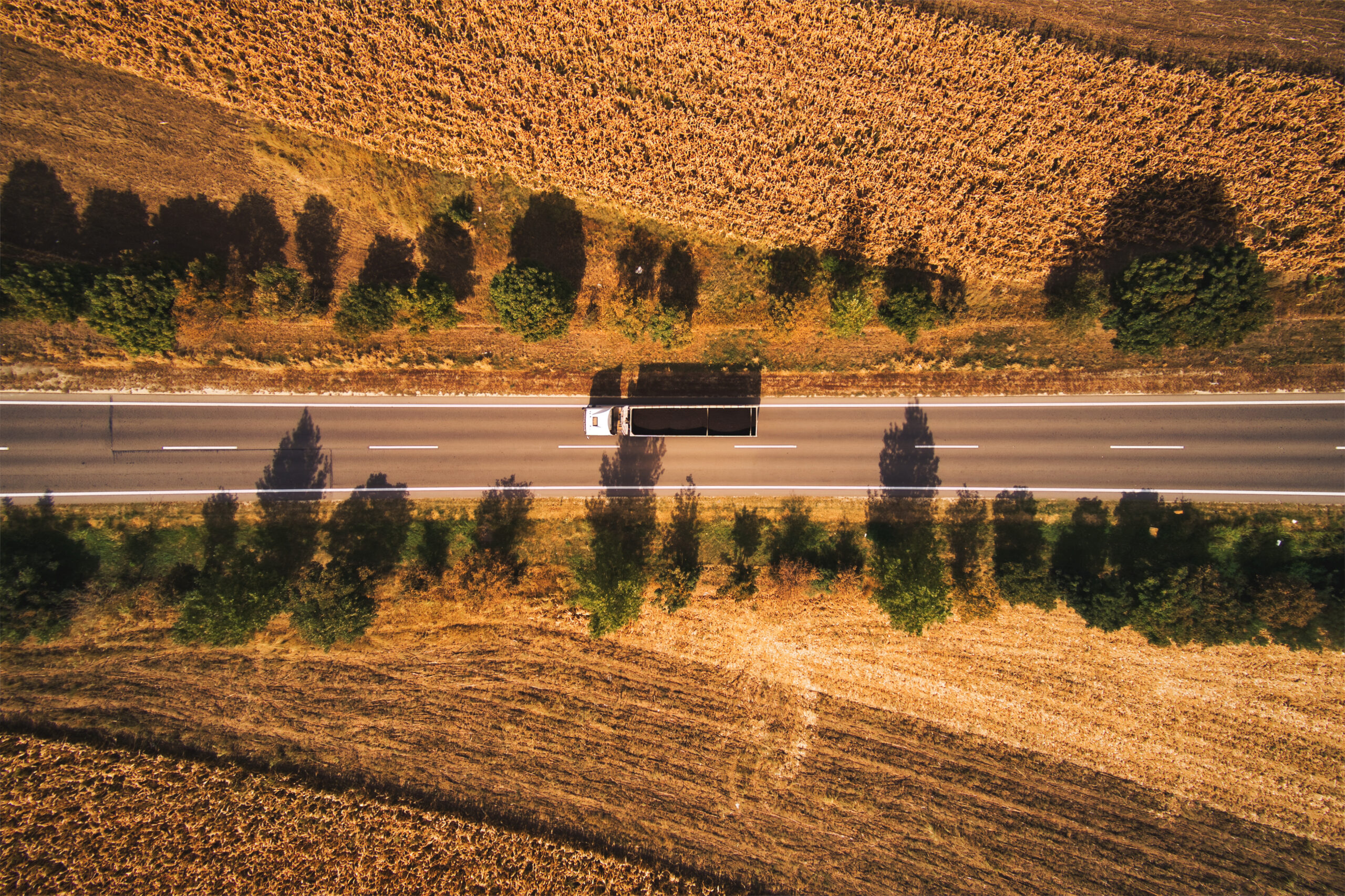
Make the most of quality devices installed.
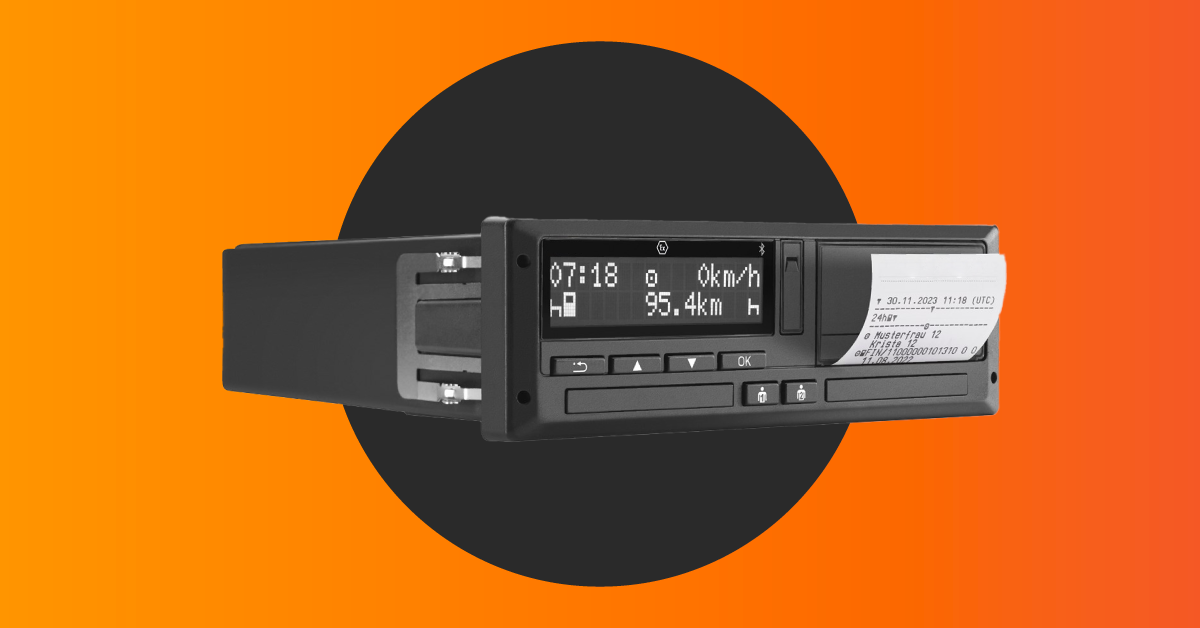
Enjoy the individually adaptable software tailored to your business needs. The quality device includes a GPS tracker, data storage, and an Internet connection (3G/4G), which is used for data transmission. The GPS tracker sends its location to the Linqo software allowing you to receive real-time information at a glance.
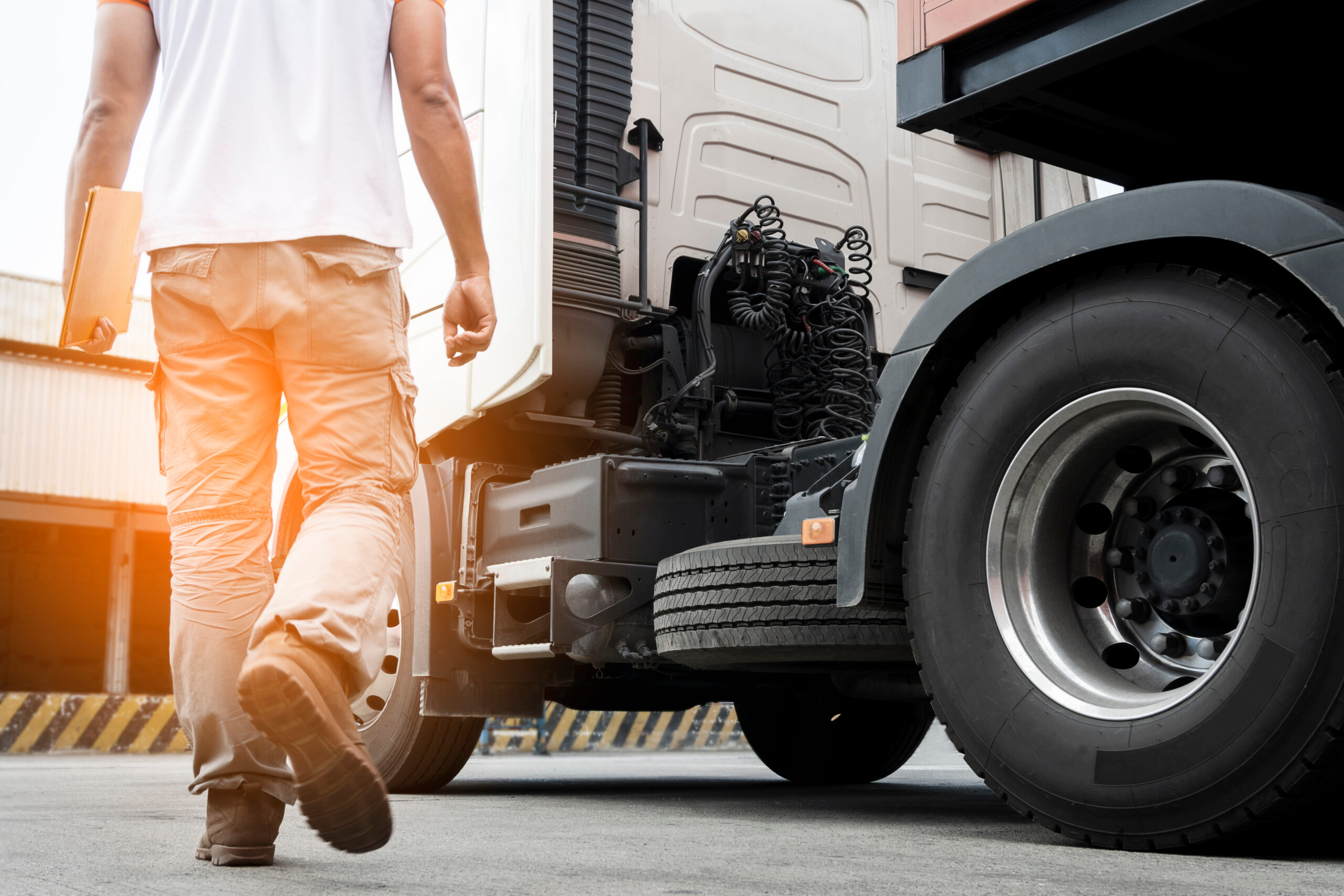
Enjoy a bunch of useful features to enhance fleet performance.
As an easy-to-use, trustworthy, integral, and advanced telematics platform, LinqoTrack aims to help manage transport resources. With a 99.8% up-time, it comes with an interactive guide to start using the platform and complete wanted tasks in no time. LinqoTrack can easily integrate with other systems and services with a powerful API.

Make sure to complete vehicle maintenance activities and ensure the good health of your fleet.
Ensure smooth operation and manage your fleet technical maintenance and inspection tasks to reduce its wear and tear. Get notifications when your vehicles need to be serviced and plan all maintenance activities in advance to save time and operating costs.
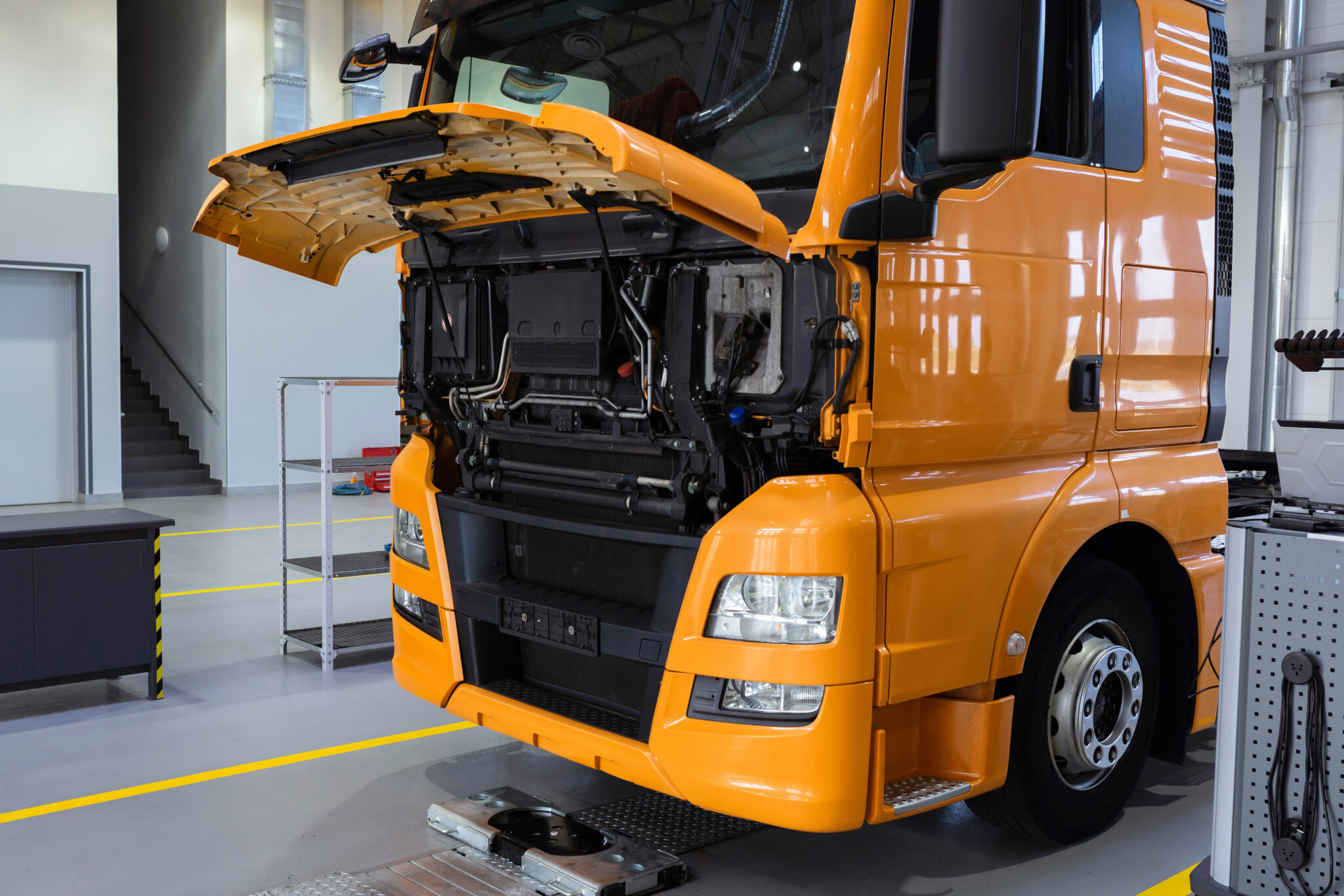
Get notified of dangerous and important events in your fleet, such as overspeeding.
Receive customized real-time notifications when specific events happen – easily change and adapt them to particular needs, significantly contributing to quicker troubleshooting, decision-making, and problem-solving processes. Choose from a wide variety of parameters, including harsh acceleration, braking, overspeeding, battery voltage, alarm state, doors state, fuel drawn, entering/exiting the geozone, panic button, etc.

Tailor reports to your business requirements and enjoy complete visibility of your fleet.
Customize reports according to your needs with various report types, templates, and subscription options. Track your trips by choosing different parameters and get visualized, graphical reports tailored to your needs.

Save time by viewing all relevant information at a glance.
See all data in one sight to be more efficient and access information faster. Monitor the real-time location of your vehicles, last value of the most important parameters, driver's driving and working time violations, check how much left to drive and when rest should be done, such actions are growingly essential for companies having HCVs. Transport managers can react immediately to emerging situations and solve contingent problems simultaneously.

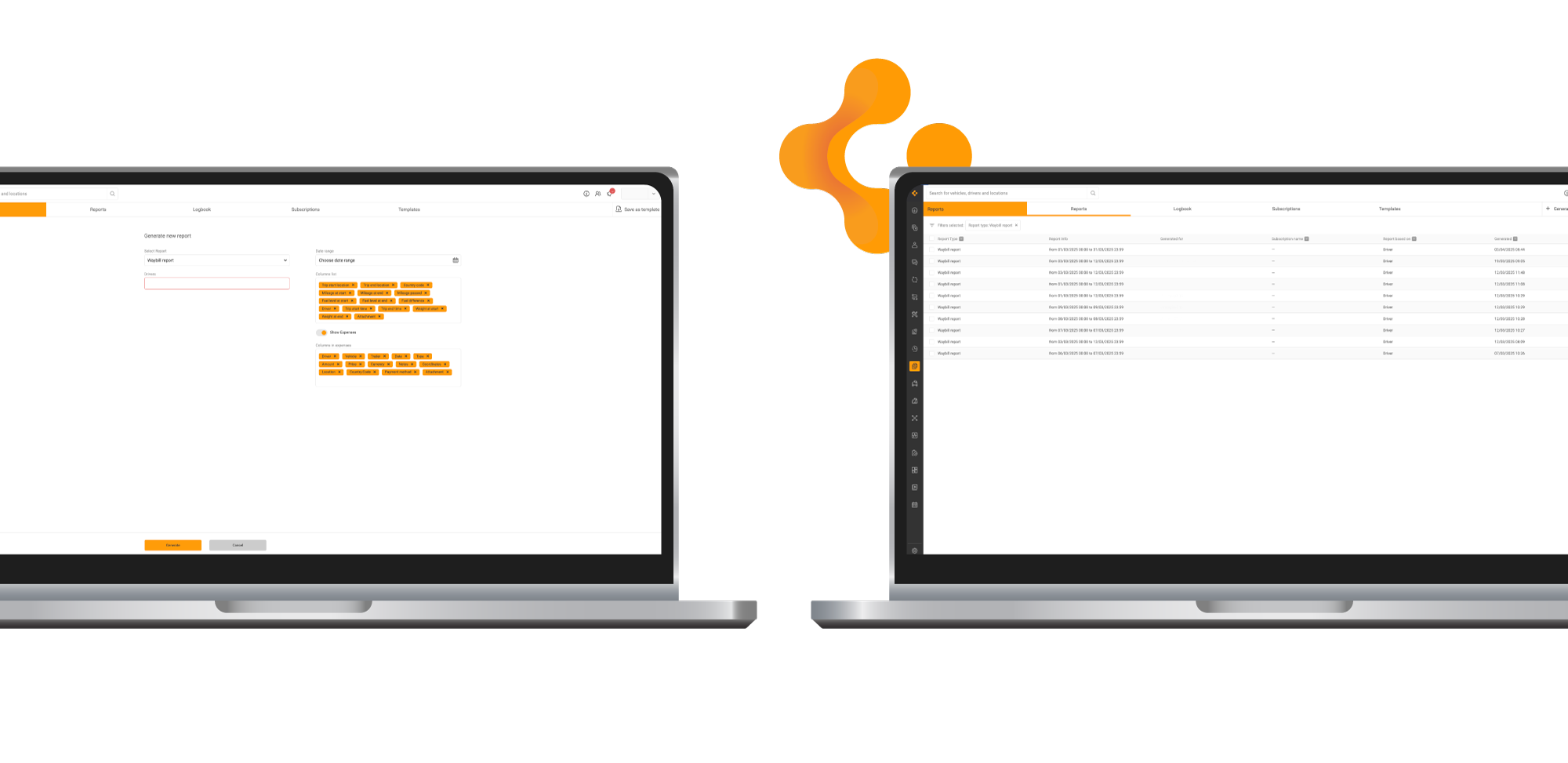
Fill out waybills quickly, easily, and without paperwork.
The digital waybill is a solution designed to collect all necessary transport information with just a few taps. Drivers and dispatchers use the OnTrack Go mobile app to enter cargo details, locations, timestamps, mileage, fuel level, and add a signature. They can also scan or attach additional documents if needed. No printing, no manual handover – everything is digital and instantly available in the system for storage or sharing.
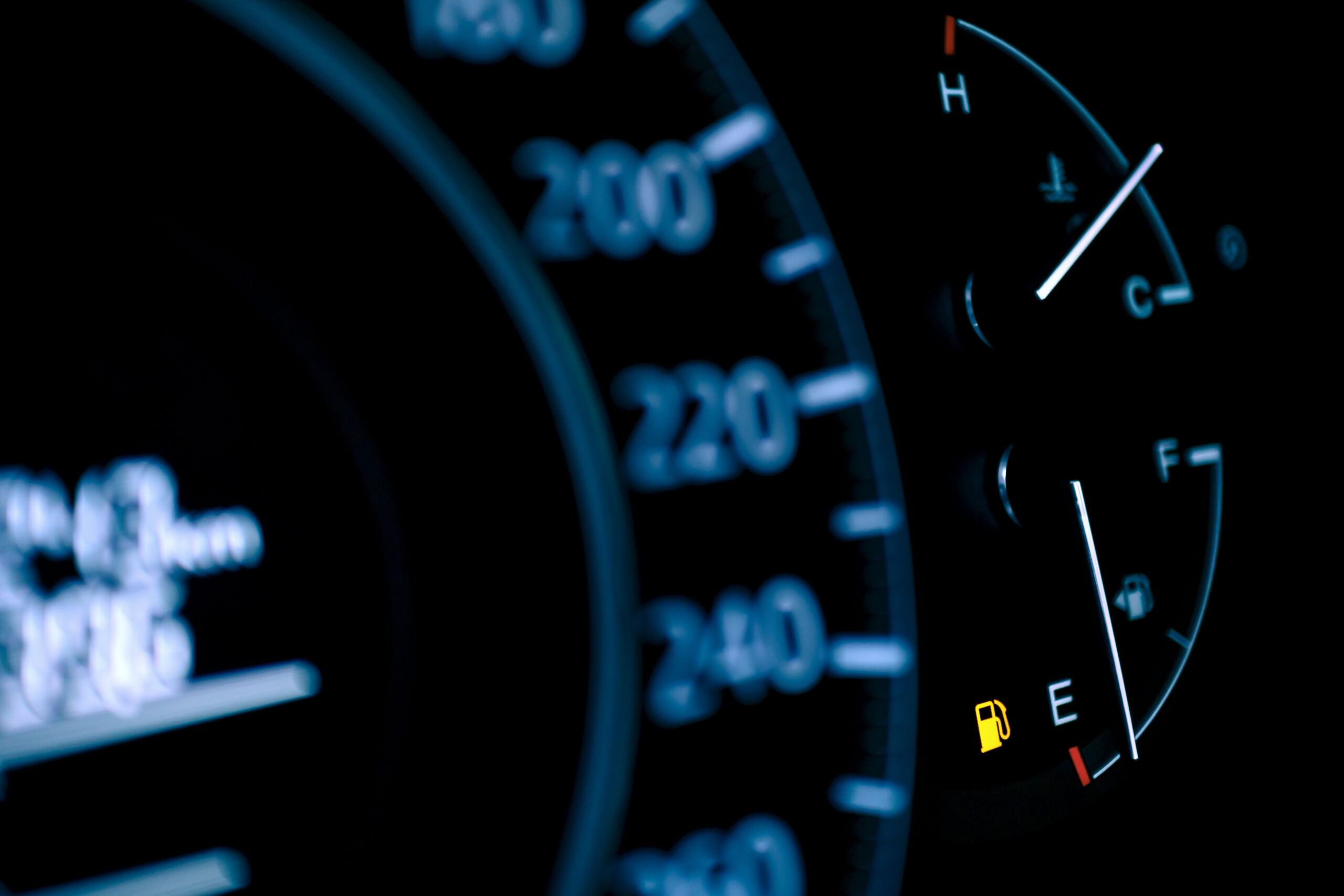
Monitor real-time warning signals and vehicle health.
Access real-time alerts from vehicle dashboards directly in the system. TellTale captures and displays key warning lights (engine, brake system, oil pressure, etc.) so dispatchers and fleet managers can react instantly. The system helps prioritize maintenance needs, prevent breakdowns, and improve vehicle uptime - without waiting for driver reports.
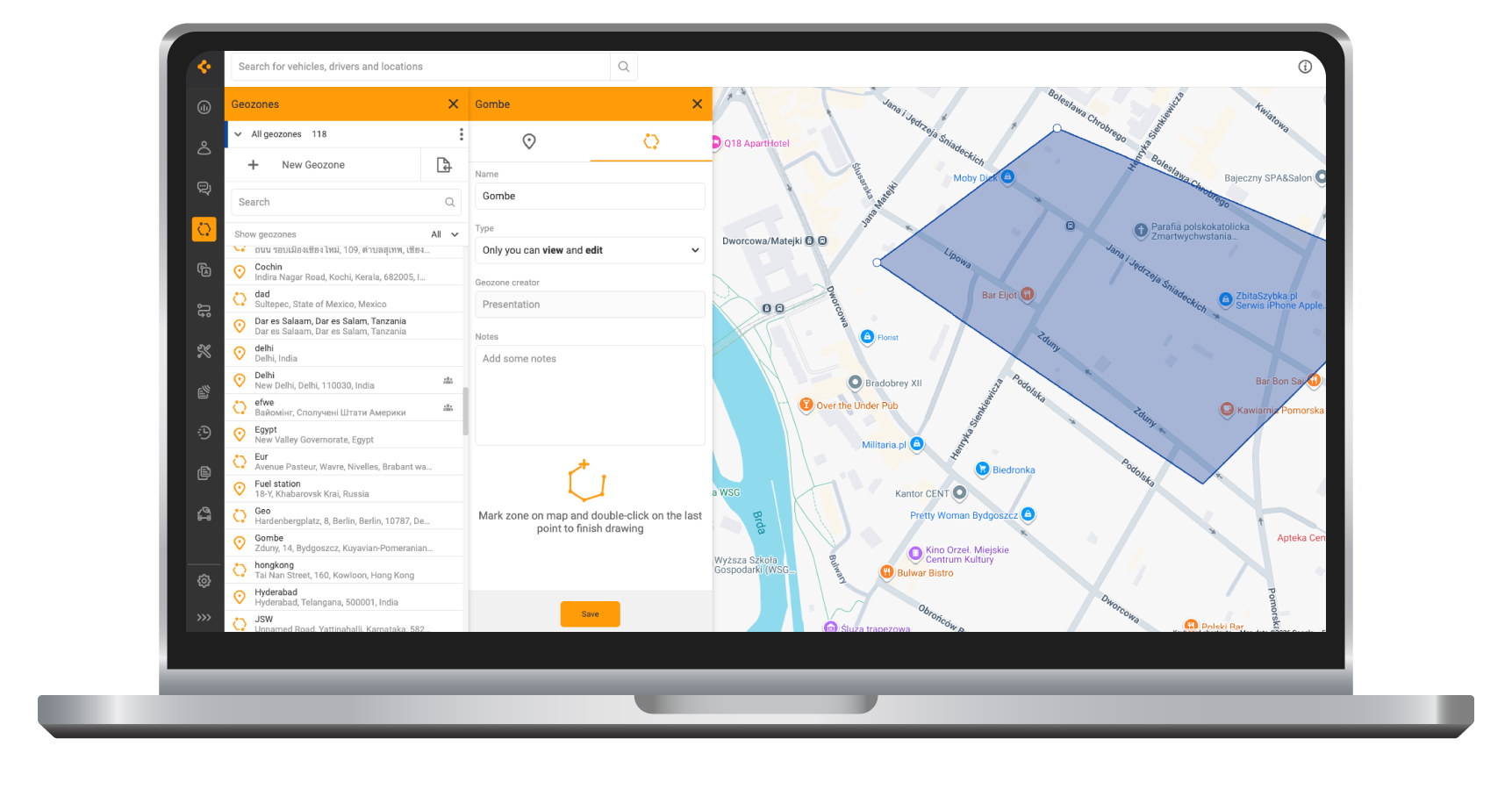
Define virtual boundaries and monitor vehicle activity in specific areas.
Geozones, also known as geofences, let you create custom virtual areas on the map and track when vehicles enter or exit them. Set up zones around warehouses, customer locations, terminals, restricted areas, or country borders. Receive real-time notifications about arrivals and departures, monitor time spent on-site, and analyze visit history in reports. Geozones help improve route discipline, ensure compliance with planned schedules, and provide full visibility of fleet movements within defined operational areas.
Analyze vehicle activity within and around defined geozones.
The Geozones report provides detailed insights into fleet movements related to specific geozones (geofences) created in the system. Users select a desired date range and generate a report to review entries, exits, time spent inside zones, and visit frequency. This report helps monitor on-site operations, verify arrivals and departures, ensure schedule compliance, and analyze activity across warehouses, customer locations, terminals, or other operational areas.
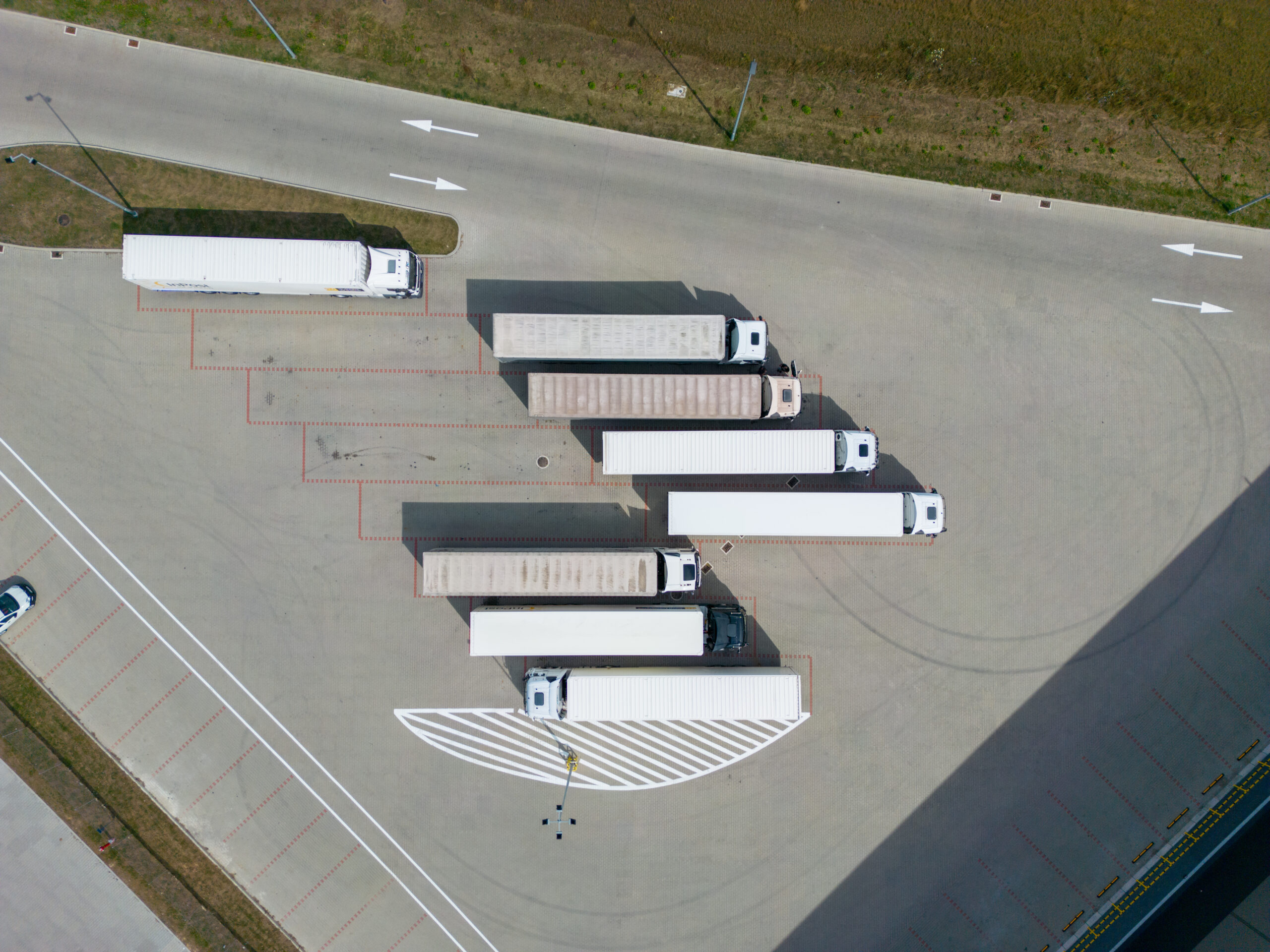
Analyze fleet activity across different countries.
The Country report provides information about vehicle movements and operational activity across selected countries. Explore where vehicles travelled during a selected period and measure how long they operated within each country. Gain a clear overview of cross-border operations, identify international route patterns, and better coordinate transport across different regions.

Review important vehicle events across the fleet.
The Events report provides information about system events triggered by vehicles or telematics devices during the selected period. Follow incidents such as overspeeding, ignition changes, panic button activations, or geozone entries and exits. Investigate operational events and maintain full awareness of fleet activity.
Observe events triggered by device inputs.
The Input report provides information about signals from device inputs, such as door sensors, ignition status, panic buttons, and other connected equipment. Track when inputs were activated and examine operational events linked to vehicle equipment or driver actions.
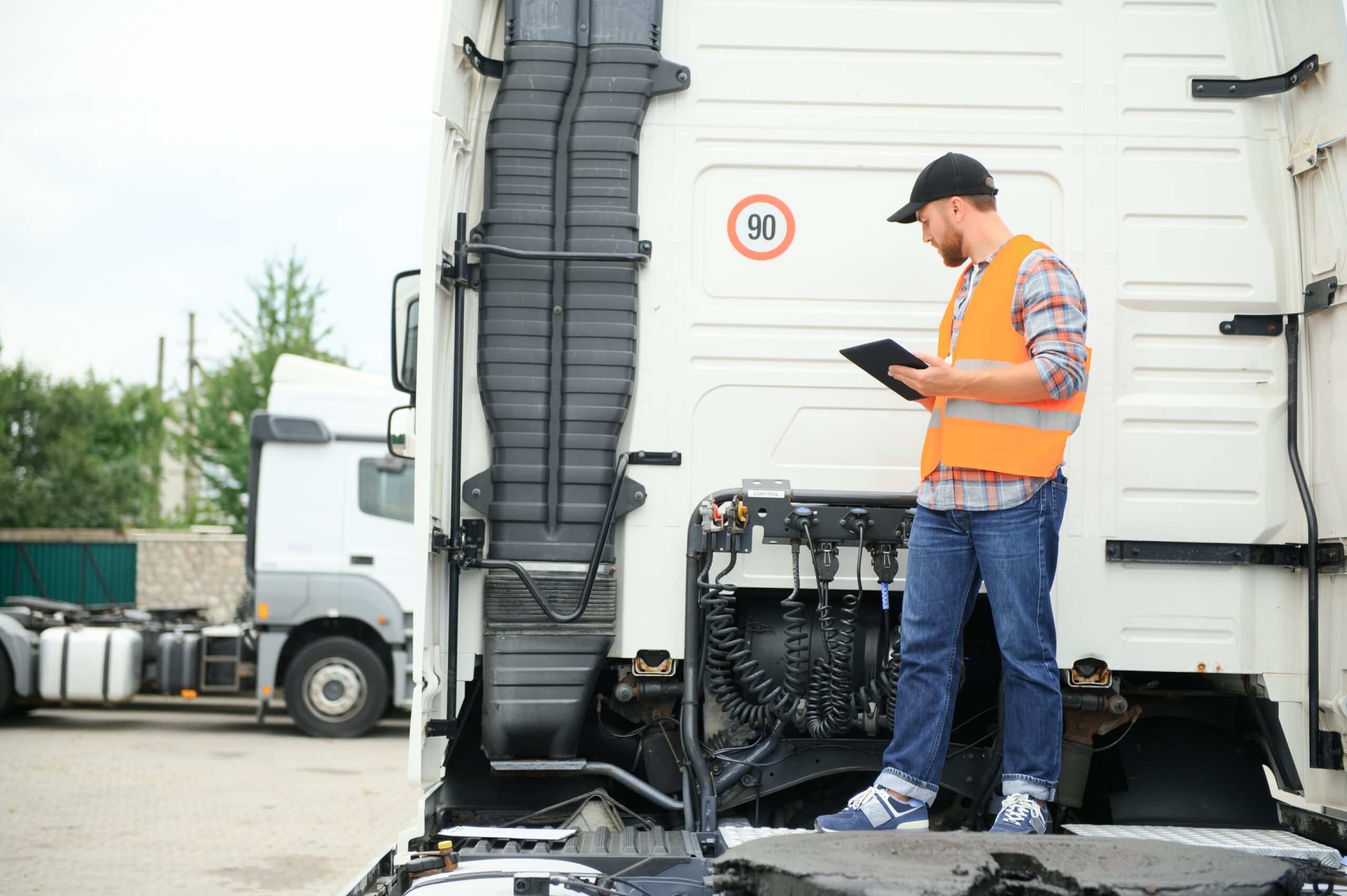
Track manually recorded driver activities with detailed event data.
The Manual driver statuses report provides visibility into driver-entered events recorded in the OnTrack Go app. Monitor activities such as refueling, loading, and unloading, along with key details including GPS location, timestamps, fuel amount, fuel type, and paid price. Maintain accurate records of operational events to support documentation, cost tracking, and better control of day-to-day fleet activities.
Identify events where predefined parameters exceeded limits.
The Over the limit parameters report provides information about events in which defined thresholds were exceeded. Identify excessive speed, abnormal temperature levels, or other parameter deviations. Investigate irregular behaviour and react quickly to potential operational risks.
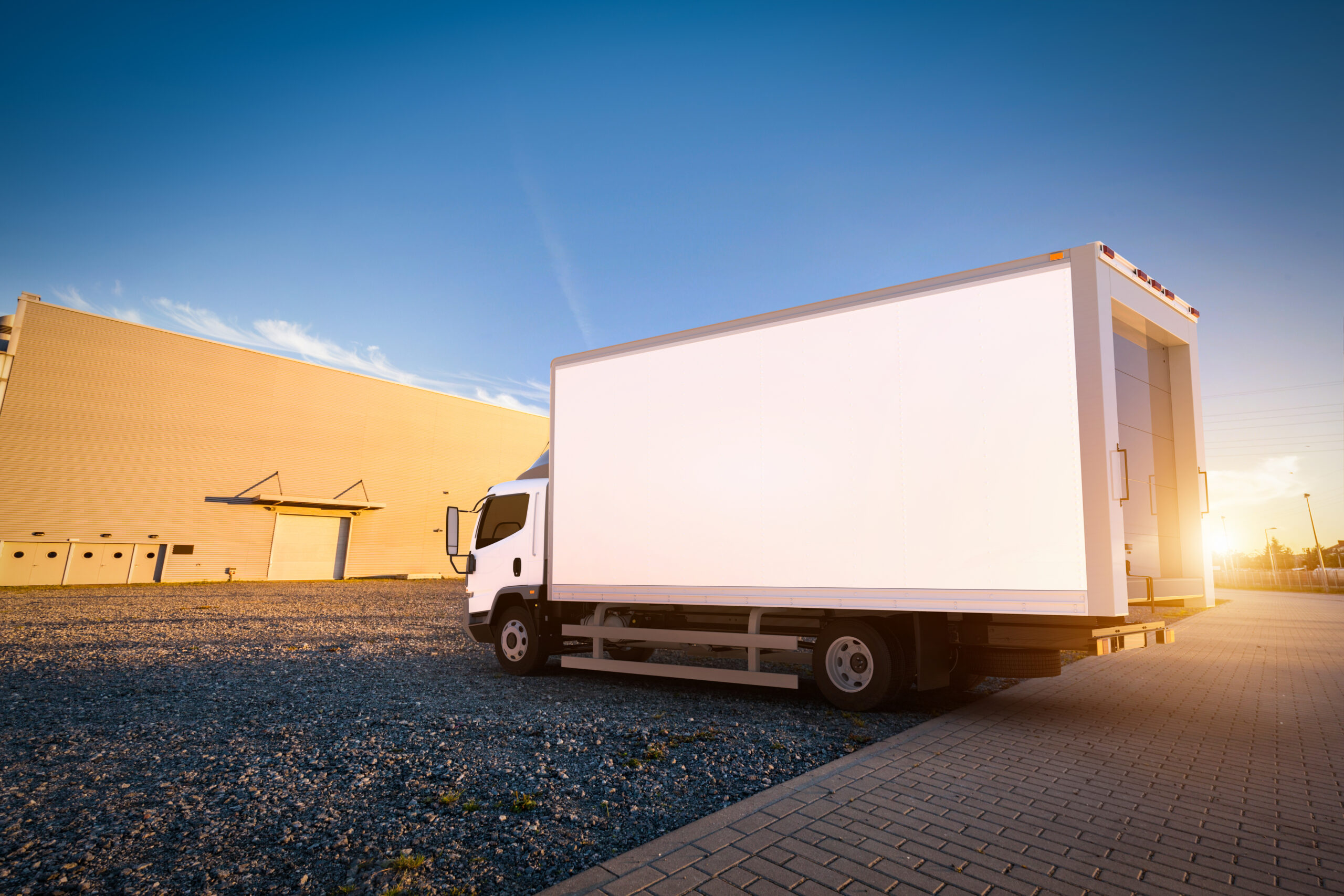
Ensure stable temperature conditions during refrigerated transport.
The Reefer temperature report provides information about temperature values recorded by refrigeration sensors. Track temperature fluctuations throughout the trip and verify that cargo remains within required limits. Maintain visibility over cold-chain conditions during transport.
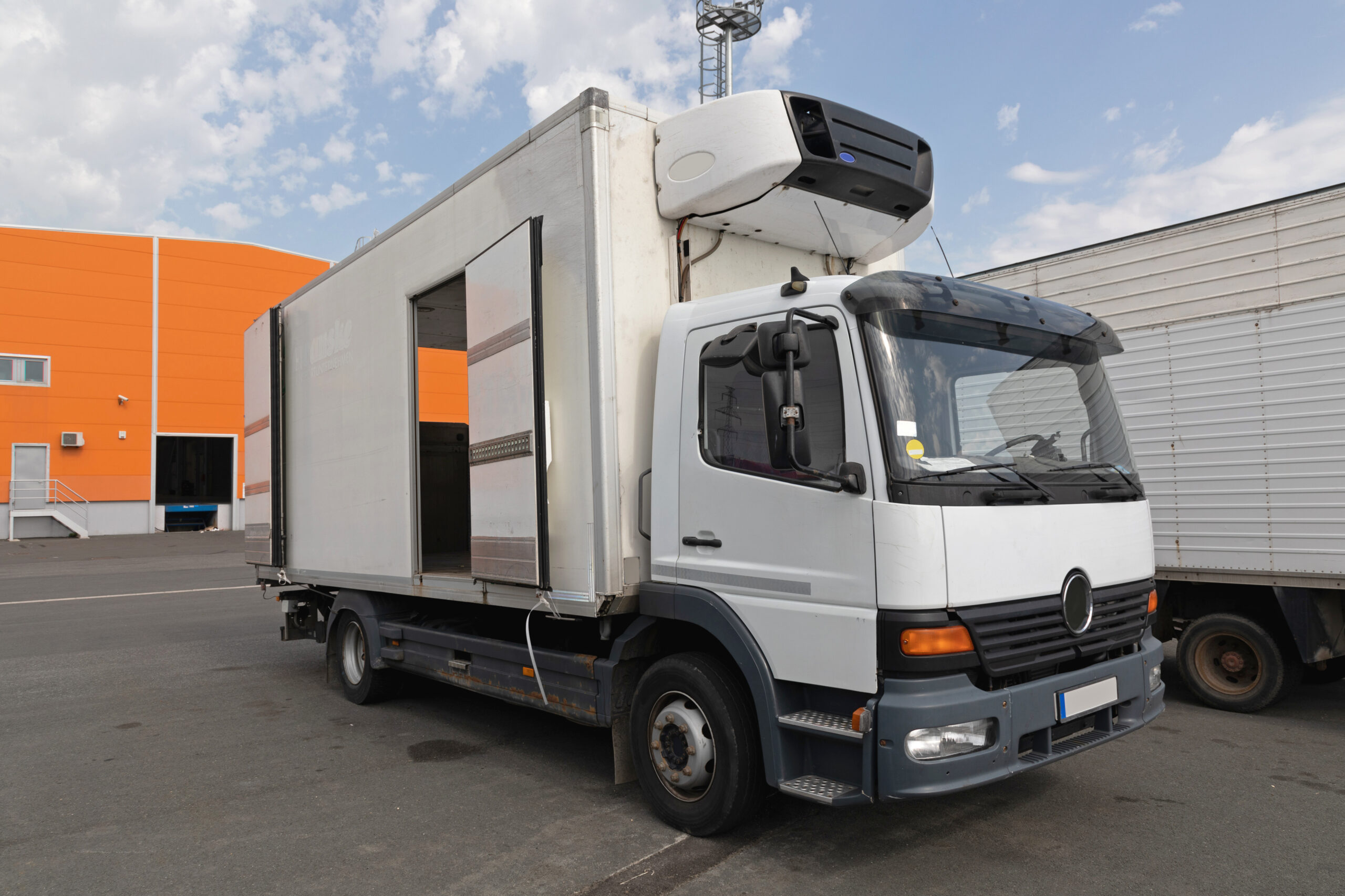
Monitor vehicle warning indicators and system alerts.
The TellTale report provides information about warning signals received from vehicle systems or telematics devices. Detect alerts related to engine status, maintenance indicators, or diagnostic notifications. Respond quickly to potential technical issues affecting vehicles.
Get a clear overview of fleet travel activity.
The Travel summary report provides aggregated trip data for vehicles within the selected period. Measure total distance travelled, driving duration, fuel consumption, and overall fleet movement. Understand how actively vehicles are used across operations, including working time and trip type (business or private).
Analyze trips between defined geozones.
The Trips by geozones report provides information about trips that start and end within specific geozones (geofences). Observe movements between operational locations such as warehouses, depots, or customer sites. Understand logistics flows between important destinations.
Review detailed information about vehicle trips.
The Trips report provides information about individual trips performed by vehicles during the selected period. Follow start and end times, distance travelled, and trip duration. Gain a detailed view of daily vehicle movements.
"Linqo helps me with the fleet overview, maintenance planning, and easy and efficient documentation for customers. It just fits together well and works."
Read more
Serkan Kabak
"The ability to track the vehicles via smartphone and make direct contact with the driver app without going through other programs helps us a lot."
Read more
ADL's representatives
"With Linqo’s system, we’ve saved a lot of time, which in our case means a lot of money, and we now have much more control over our cars."
Read more
Autohaus Kaufmann representatives
"Working with Linqo’s telematics system has streamlined our operations and fostered a culture of innovation within our team. The platform’s simplicity, flexibility, and foresight into future logistics challenges have been an accelerator to our success."
Read more
Buskow Logistik GmbH representatives
"We broke new ground right from the start, and with Linqo, we have found a reliable, fast, and uncomplicated partner who, just like us, thinks ahead."
Read more
Managing Director Daniel Heinz
"Based on 10 years of using Linqo's services, I can highly recommend their solutions. They can significantly enhance operational efficiency, reduce costs, and increase safety. It's an investment that pays off and is essential for the functioning of any transport company in today's competitive market."
Read more
FURDYNA GROUP representatives
"You'll love Linqo for its modern and user-friendly solutions - the app's management, monitoring of driver performance, and economic driving is well thought out, the visual and functional elements are intuitive, and the app itself and its indicators are easy to use and understand"
Read more
Gevara representatives
"It is worth carefully analyzing your current needs and plans for the future. During subsequent use, it is the adaptation to the specifics of the business, versatility, mobility, and ease of use of the system that makes us assess our choice as the right one."
Read more
Management Board of GOLDLIFT
"Our telemetry partner Linqo has been instrumental to the successful roll-out of more than 1500 electric vehicles in the current SPARK fleet. We have grown together while improving reliability and customer satisfaction, which will take SPARK fleet to 2000 vehicle fleet by the end of 2023."
Read more
Spark team
"At Linqo, the first contact was very nice. The service keeps what it promises, and the prices are reasonable, even if Linqo is not the cheapest provider. In return, more power is offered than with others"
Read more
Operations Manager Burak Pinarbasi

Have any questions? We'd love to hear from you.

We deliver high-quality GPS tracking solutions designed for your business needs.
Scale your shared mobility services and prevent vehicles from unauthorized use
View solution
Forget manual personal and business trip tracking and ensure compliance with regulations
View solution
Reduce fuel consumption and vehicle maintenance costs by improving driver skills and behaviour
View solution